Image Models
Overview
Image models can detect images of a desert to a forest or sunny weather to cloudy weather, Image models offer users the ability to analyze elements within an image to discern the overall context, thus providing a powerful insight for users.
System Features
Deep Training
Test Via Uploads
Class creation
Share and Collaborate on Image Models with other users
How it works
The image model is made up of the following:
Image Classification - what is contained in an image
Image Localization - the specific location of a single object within an image
Image Segmentation - divides an image into various parts to analyze
Guide to setting up Image Models
Navigate to the Chooch dashboard
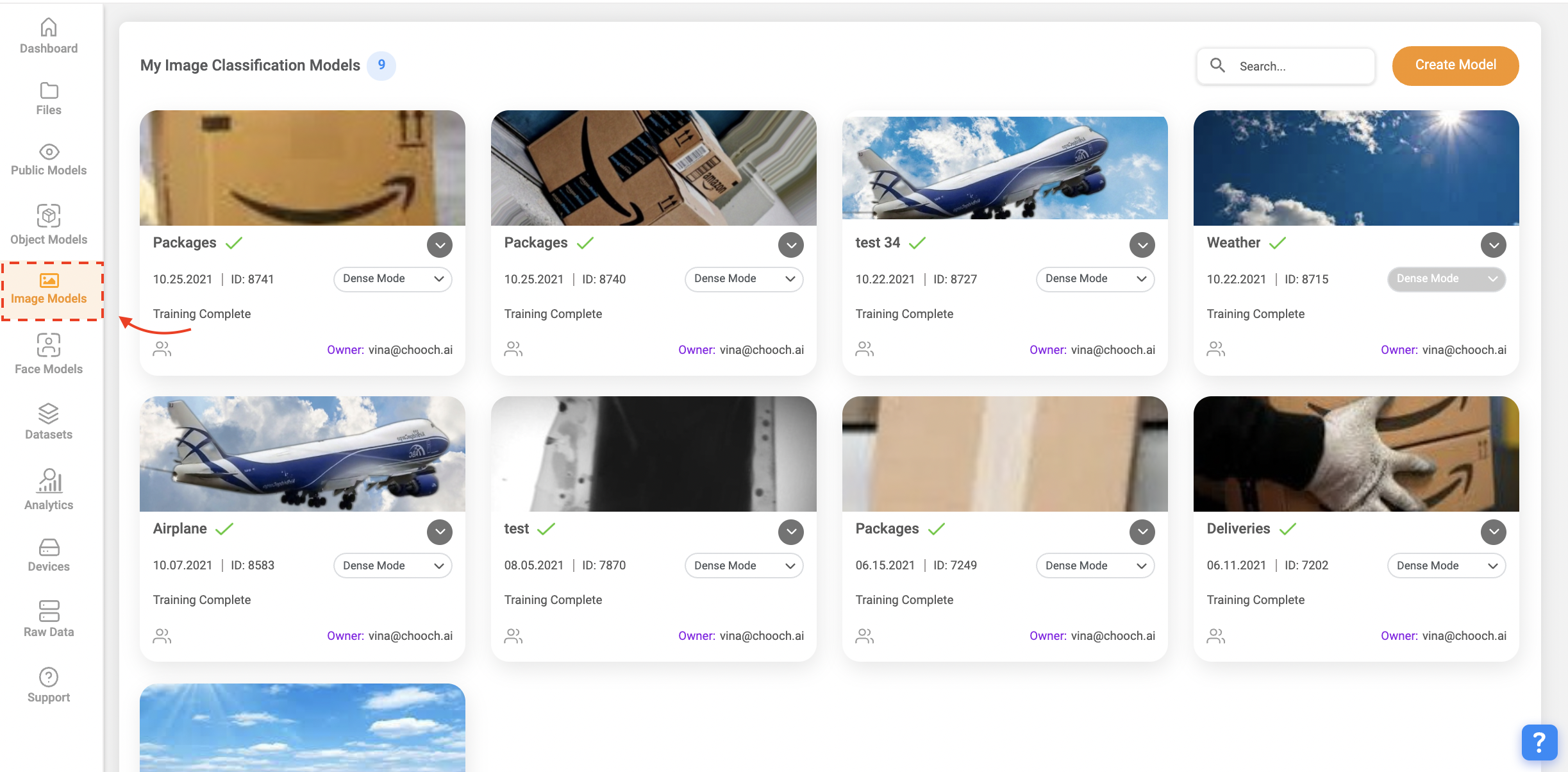
On the left-hand side panel select Image Models
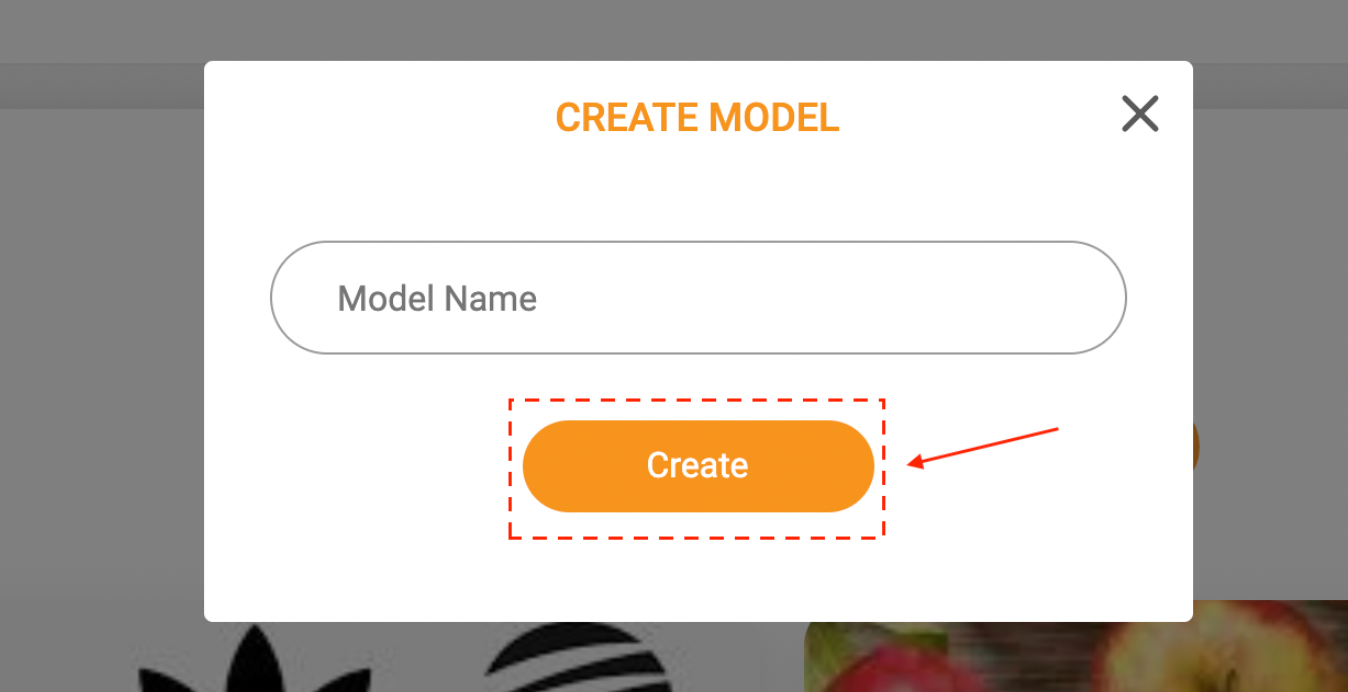
Select Create Model and enter a name
Now that you have created your new Model continue to create a Class, you can create multiple classes within a model
Select the image model you just created
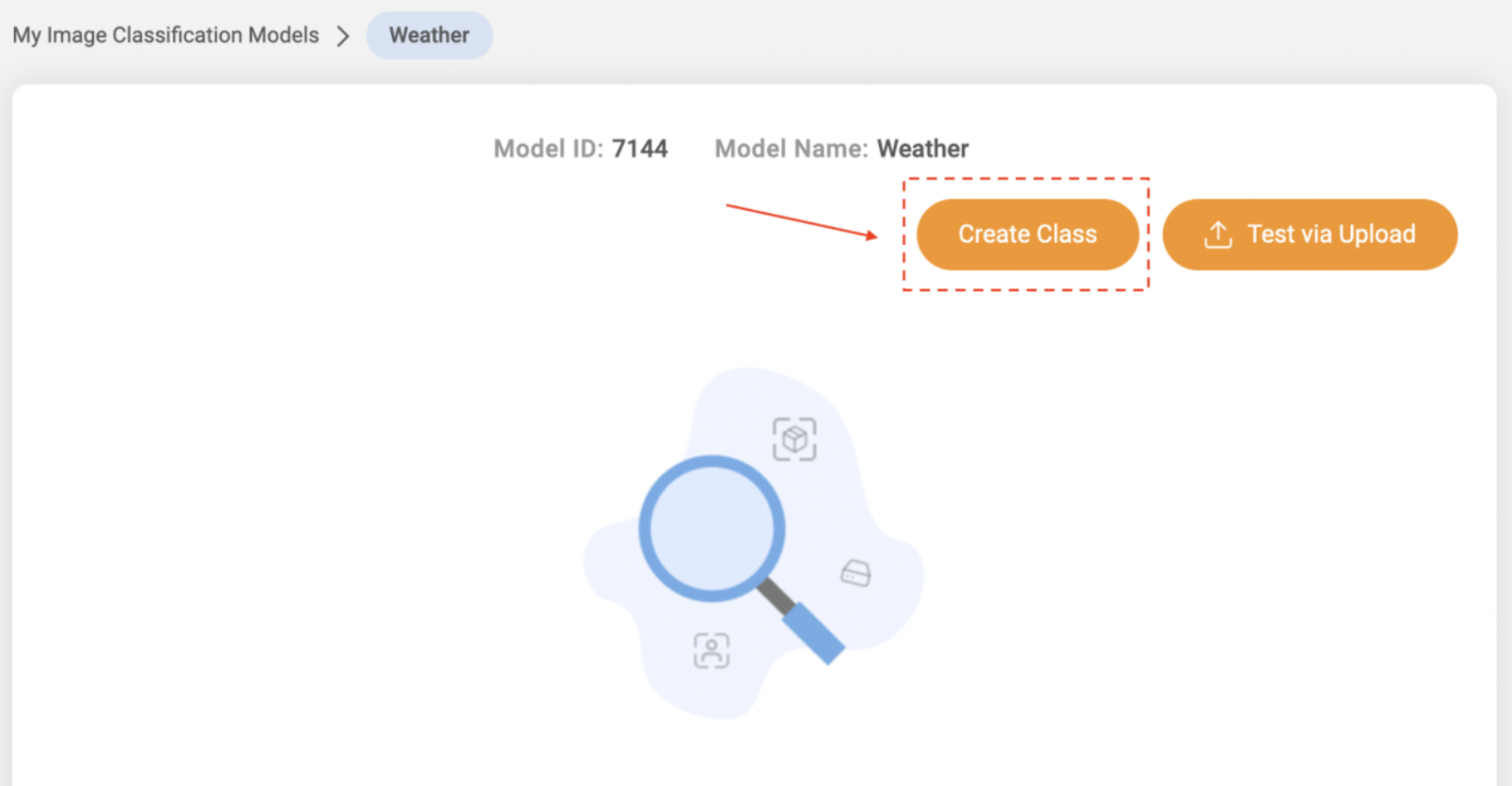
Select Create Class
Enter the Class name of your choice
Select the Class you just created
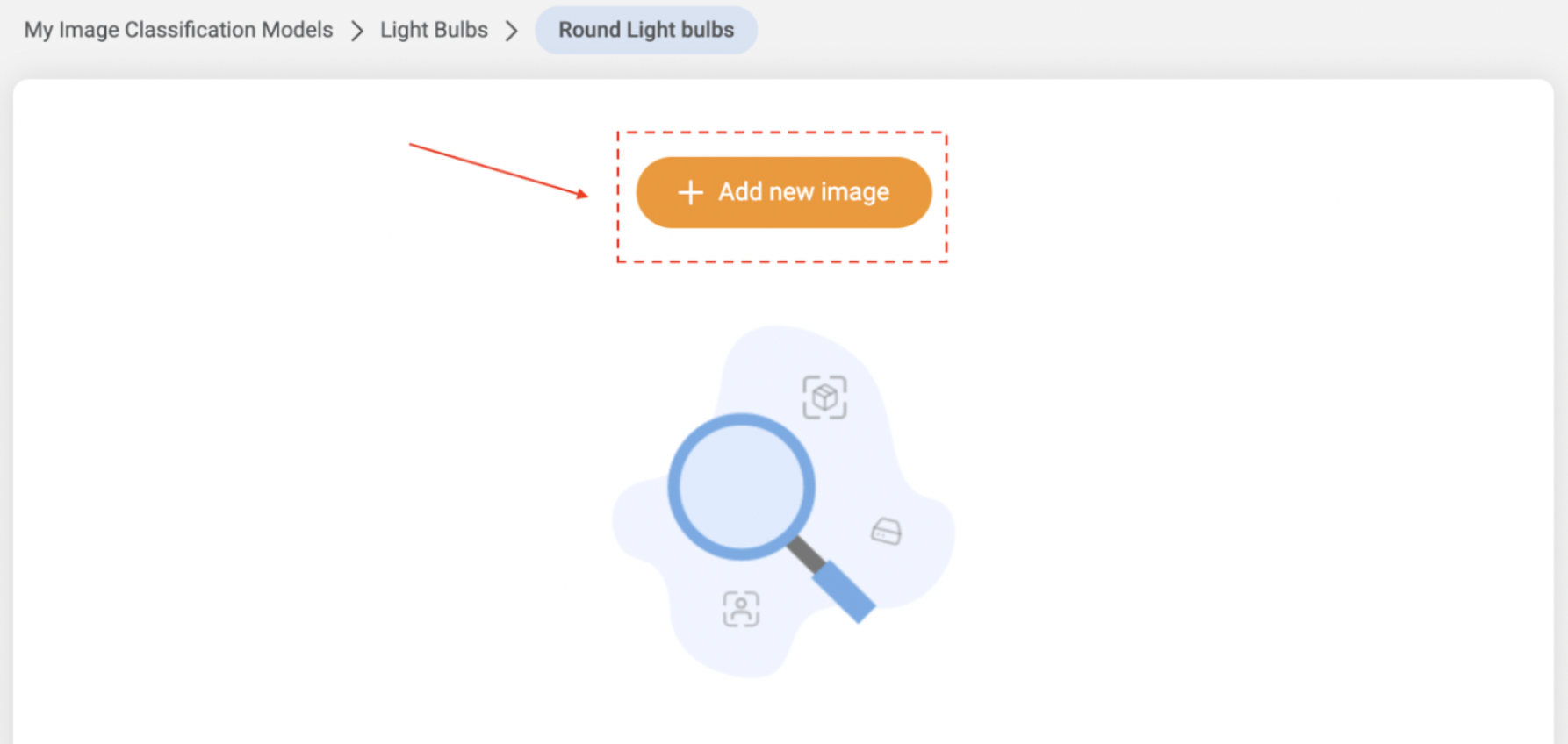
Select + Add new image and upload images specific to the class you have created
Once successful at uploading the photos, you’ll want to test if the system has learned to recognize the image
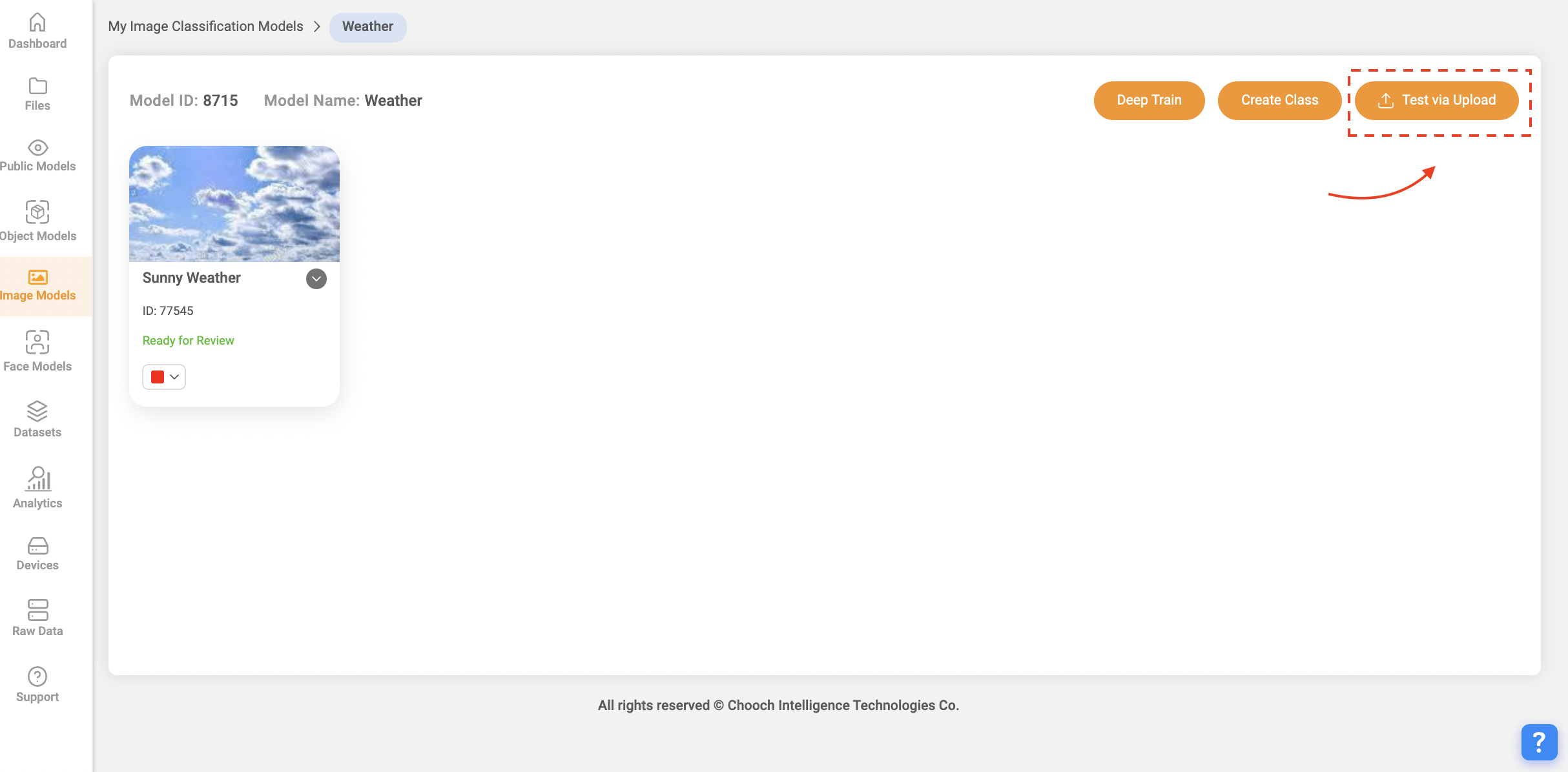
Navigate to your new class and select Test via Upload
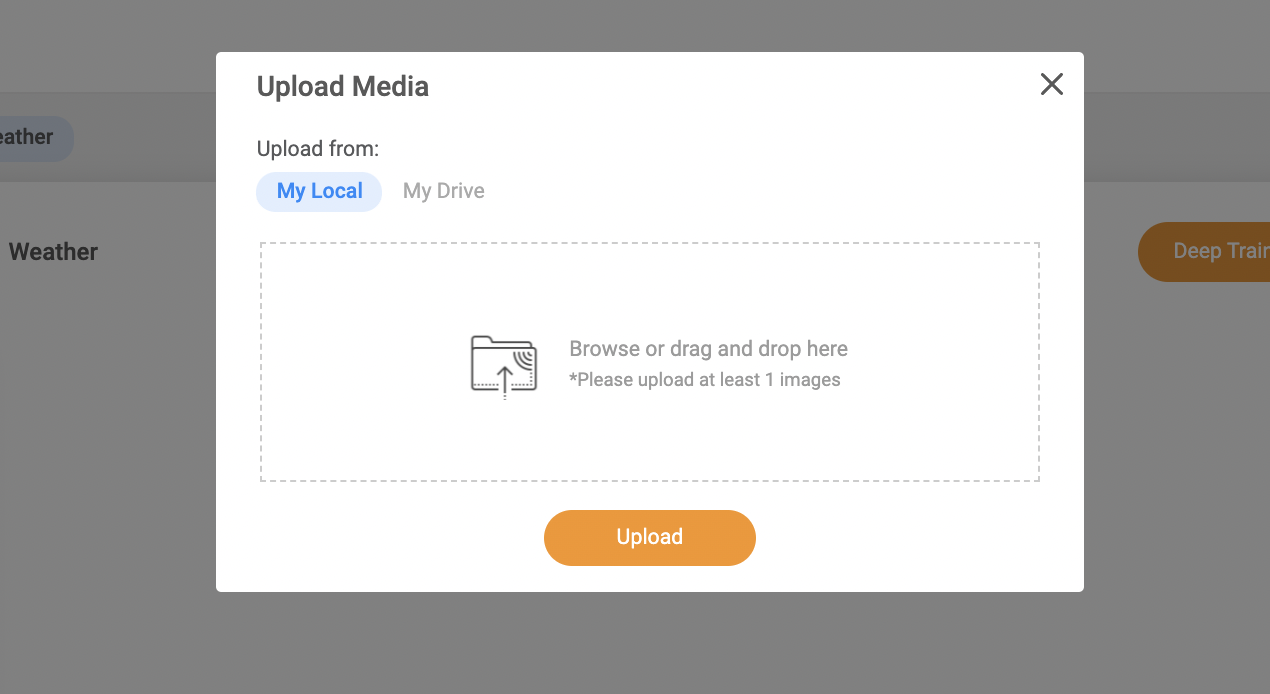
Upload an image that is not part of the training set
The system will then provide a match in which 90% or better will be a complete match
For any questions please reach out to support@chooch.com
Related Articles
ReadyNow Models
Overview Users have the ability to access Chooch's large number of pre-trained AI models allowing users to quickly apply these models for deployment. ReadyNow Models help users detect additional objects, faces, images, and text within a dataset, ...Chooch API
Guide to calling the Chooch computer vision API Accelerate your computer vision deployments by taking advantage of the Chooch computer vision API. This documentation provides insight into how to call the API, how to provide an image for analysis, and ...Create a Dataset
Overview Datasets are sets of images and videos used to create models within the platform, users can upload multiple images to annotate or upload already generated datasets. System Features 2D Synthetic data 3D Synthetic data Smart Annotation ...AI Vision Studio Overview
Overview The Chooch AI Vision Studio helps users navigate through the platform faster and easier by providing access to all of the most important features. System Features ReadyNow Models Datasets Smart Analytics Latest updates How-to videos API ...Chooch Inference Engine Setup Guide
Edge Device Setup Guide v5/v6 Chooch Inference Engine Setup Guide Within the dashboard, this guide will walk you through the steps to set up an edge device running Chooch AI models for NVDIA GPU’s and Intel Processors. The guide will explain how to ...