Chooch Inference Engine Setup Guide
Chooch Inference Engine Setup Guide
Within the dashboard, this guide will walk you through the steps to set up an edge device running Chooch AI models for NVDIA GPU’s and Intel Processors. The guide will explain how to use the Chooch AI Vision Studio to create a device, then add camera streams and add AI models to the device. Finally, you will run a script that installs the AI models on the hardware and access the Chooch Inference Engine to see the AI in action.
Please note you will need a free account on the Chooch AI Vision Studio. If you don’t yet have one, please sign up here. For the moment, you will also need an Enterprise account. Please request one here.
Hardware Requirements
CPU
- Compatible Processors
- 8th to 10th generation Intel® Core™ > i7 (suggested i9)
- 3rd generation Intel® Xeon® Scalable processors
- Compatible Operating Systems
- Ubuntu* 18.04.3 LTS and above (64 bit)
- Memory
- Min 32GB RAM
- Disk
- 256GB SSD Drive
- 3rd Party Software Requirements
- Docker
Installation Requirements
PC CPU Setup Guide
Installation requirements for Ubuntu Server for CPU:
Please follow the docker installation instructions
https://docs.docker.com/engine/install/ubuntu/
Notes:
-An Internet connection is needed to perform many of the following steps
-Many of the following command lines will require your system’s root or super user password
Enter the following script to your terminal and follow the instructions:
This installation time may take approximately 60 minutes or more, based on your network upload speed.


Optional arguments:
-c: CPU install
-v: vGPU install
-d <install_dir>: install directory (defaults to $HOME if not specified)
api_key: API Key provided by Chooch can be found at the bottom of your dashboard’s Homepage.
Installation Chooch Edge Service:
- Log in to your Chooch AI Vision Studio account.
- Go to Devices
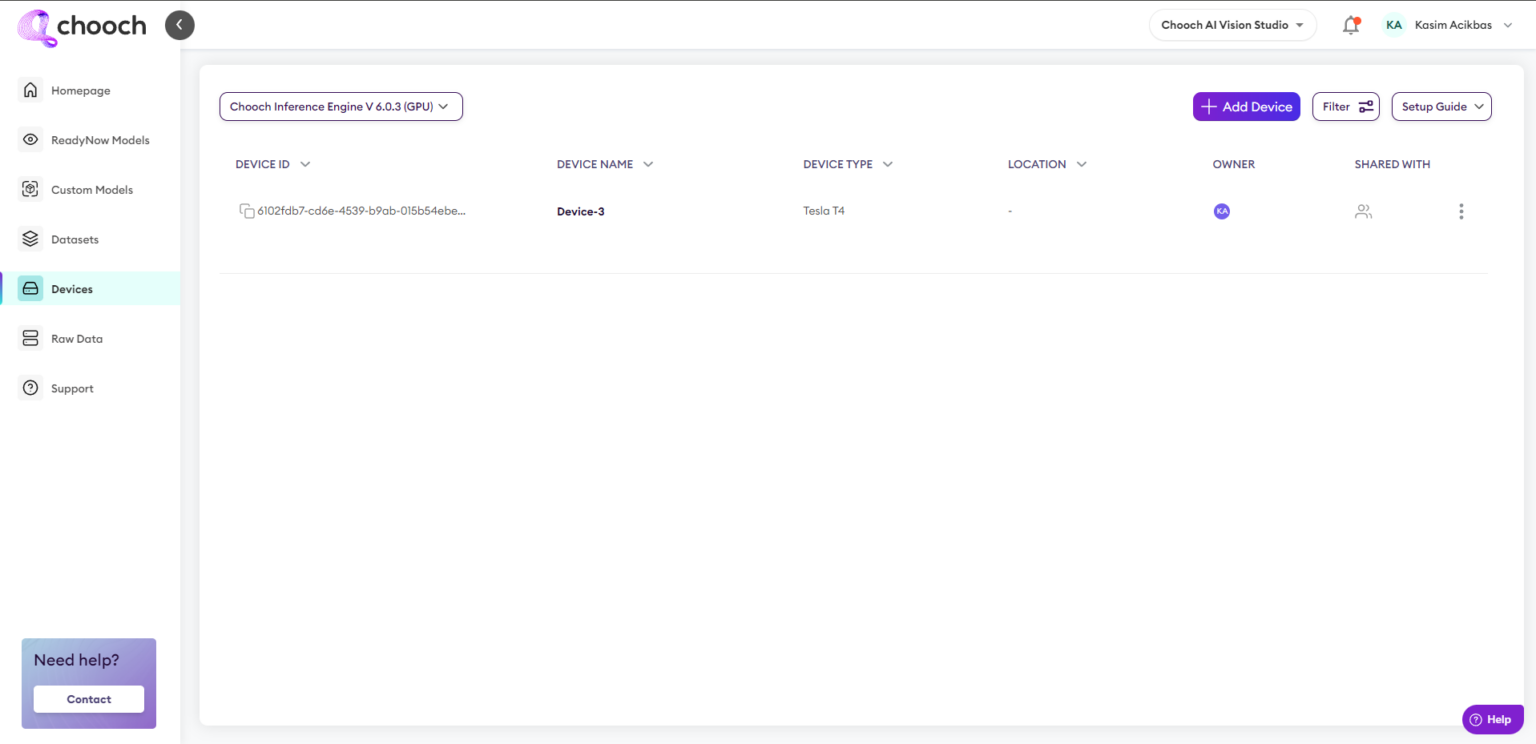
- Create a device
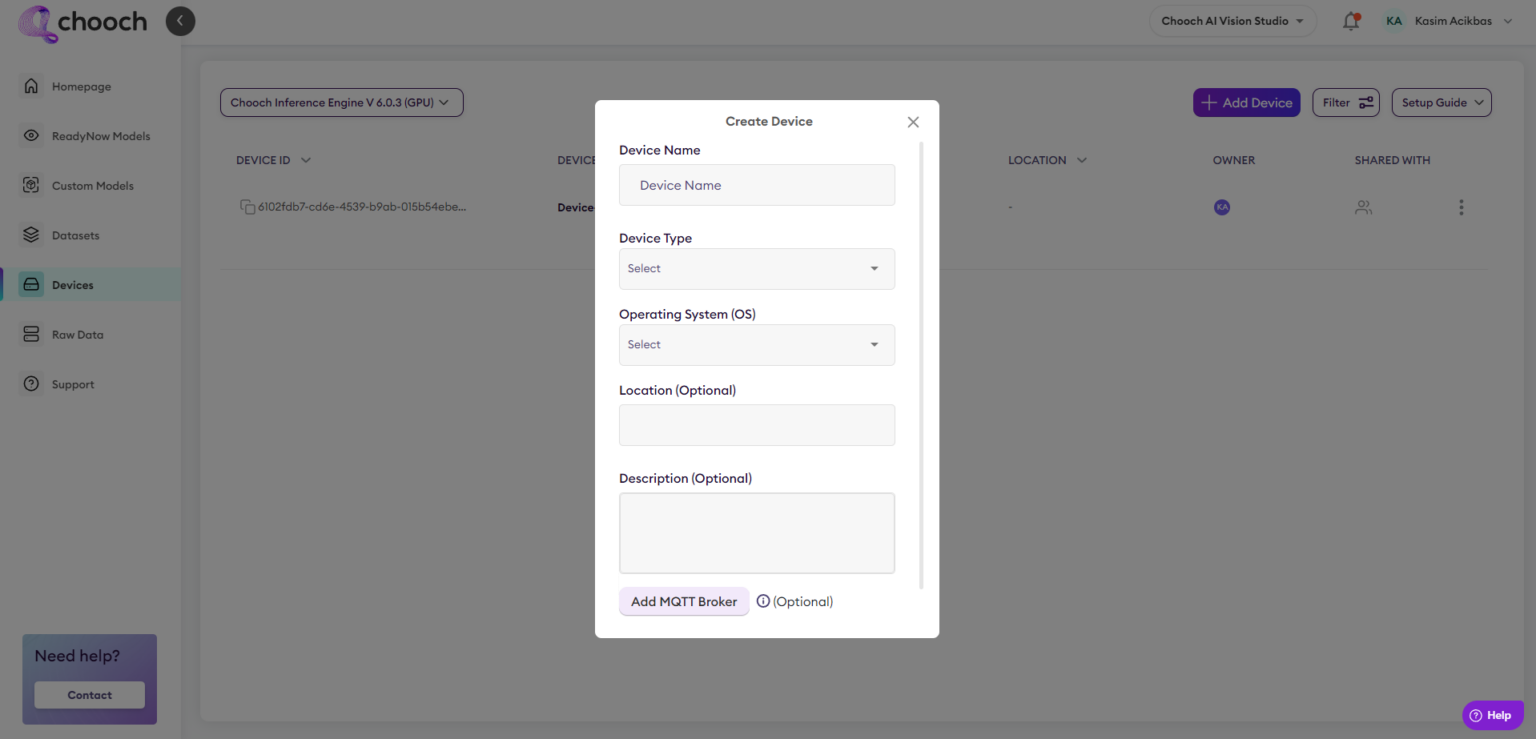
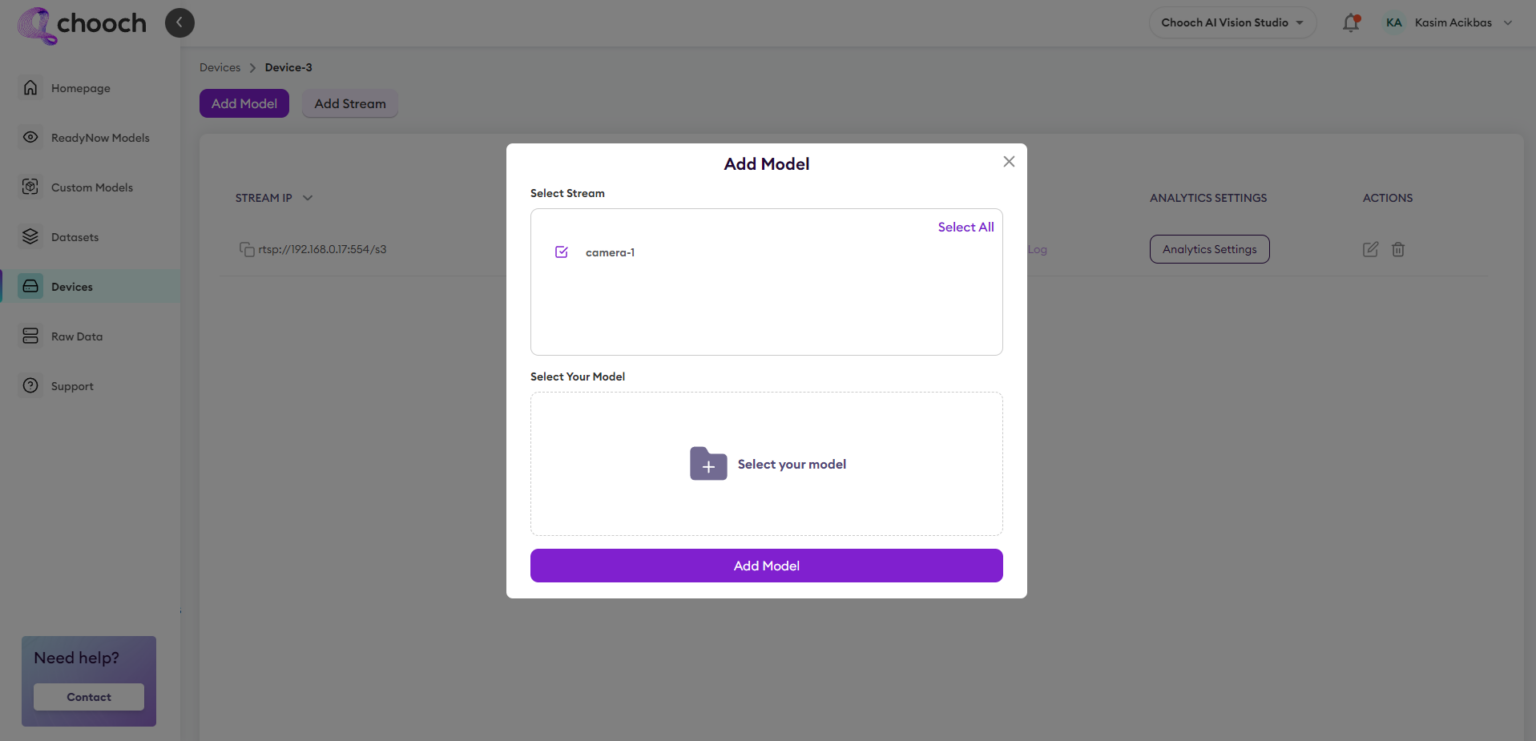
- Add a stream to your device

- Add Models to your Stream
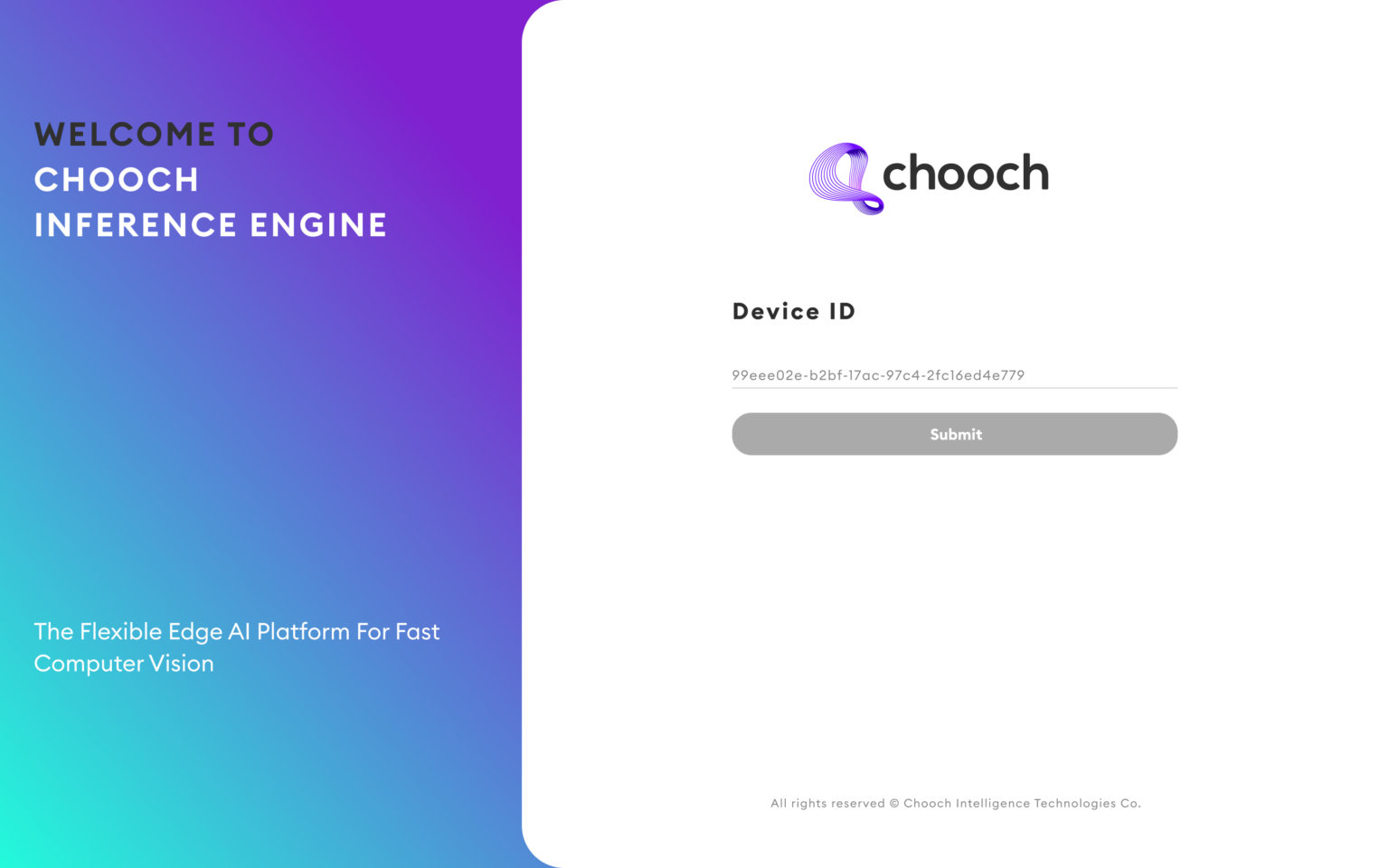
- You can access your Chooch Inference Engine interface on your device from http://localhost:3000/. Copy & paste the Device ID of the device you want to connect. The Device list can be found under the Devices tab of your dashboard.
- Set a password to access the dashboard.
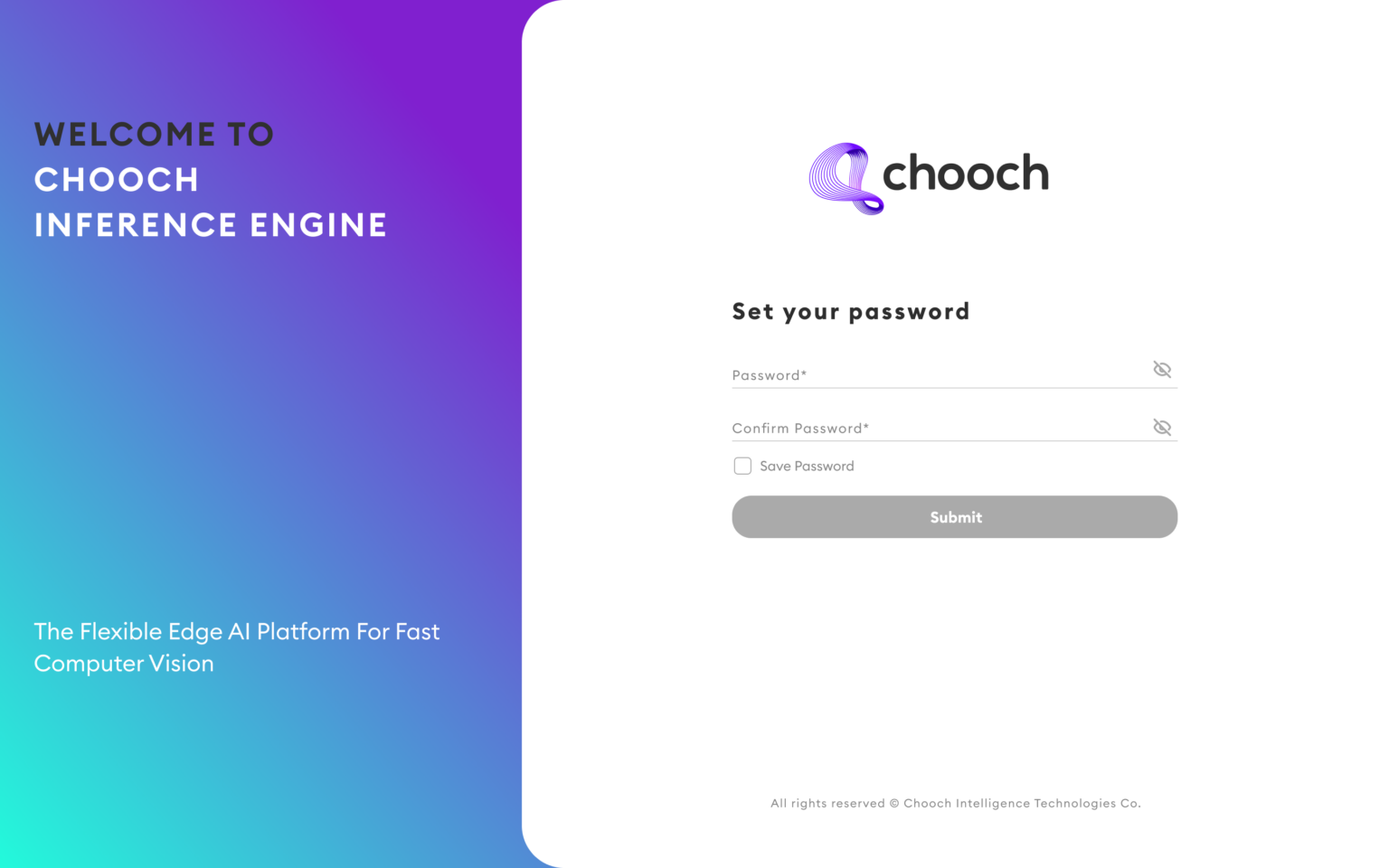
- You can access your Chooch Inference Engine interface on the device after installation, from http://localhost:3000/
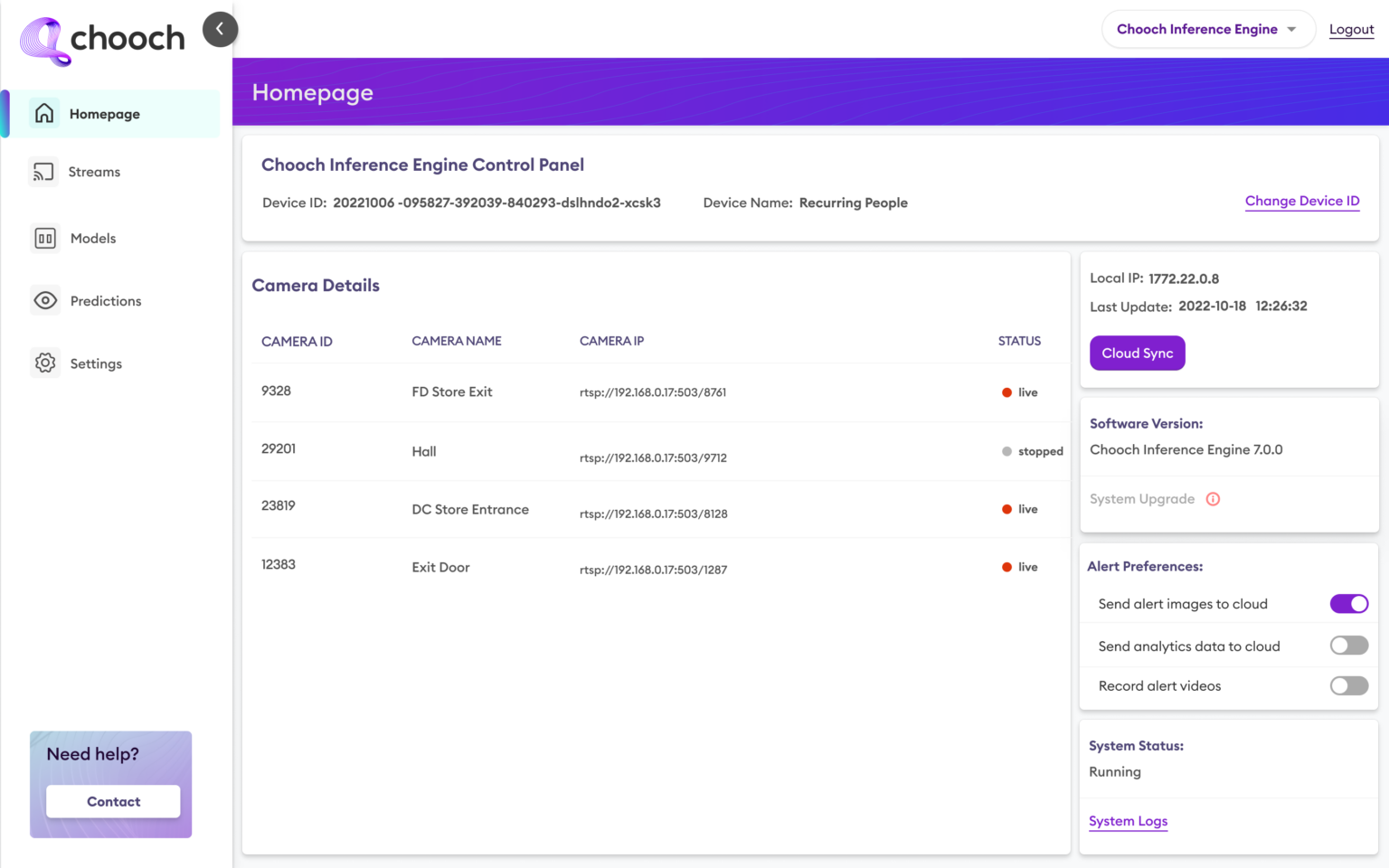
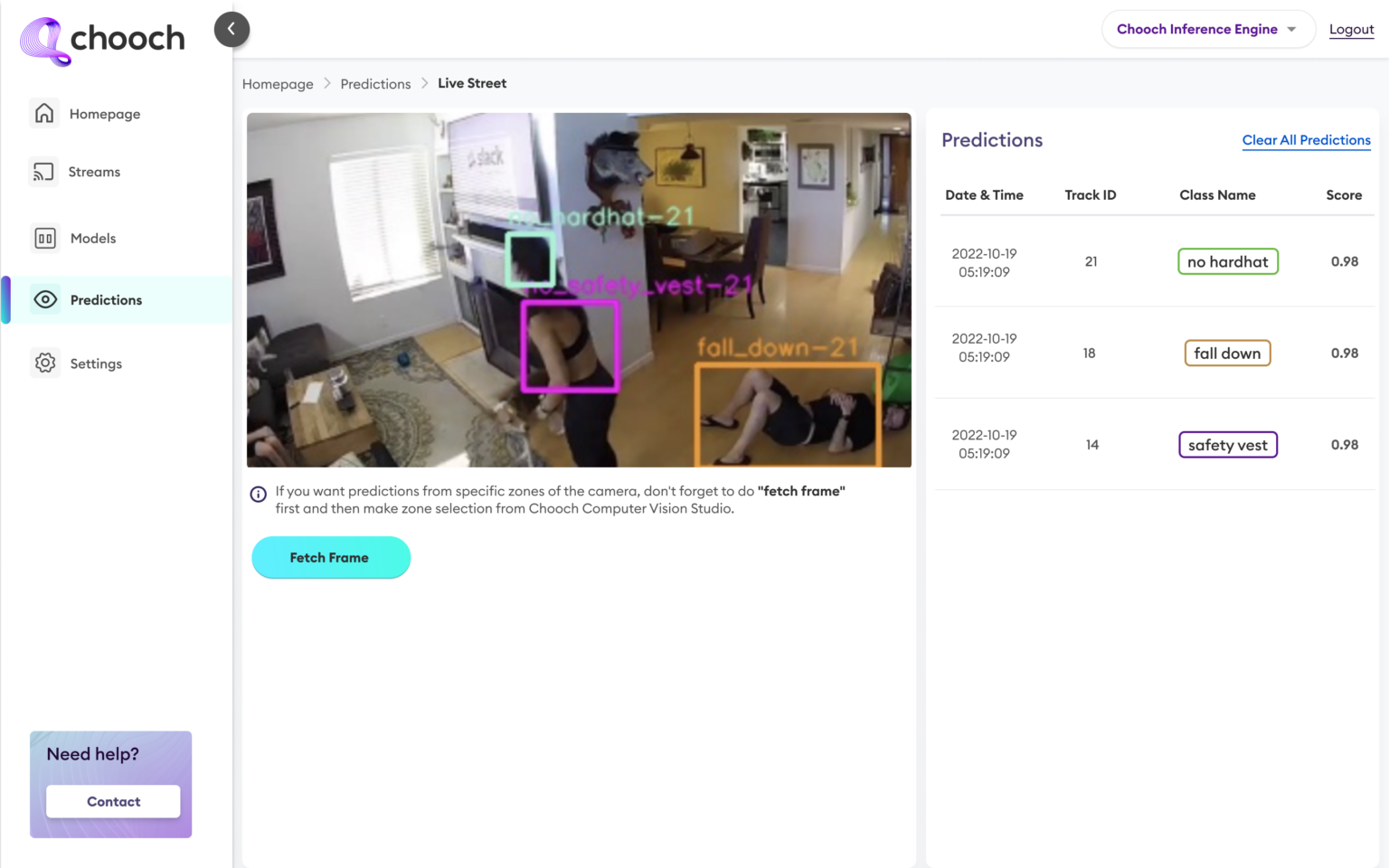
- Now you can start using the system!
Some useful commands start,stop and restart the service on device.
Start


Stop


Restart


Related Articles
Inference Engine installation guide
Inference Engine installation guide Within the dashboard, this guide will walk you through the steps to set up an edge device running Chooch models for CPU, NVDIA GPU, and Jetson Orin. The guide will explain how to install the Chooch Inference Engine ...Deploying Chooch Inference Engine on Edge Devices
Deploying Chooch Inference Engine on Edge Devices Edge deployment checklist The following steps will need to be completed in order to deploy Chooch at the Edge. See below for more details on each task. If you have any questions or need technical ...ImageChat–Self-hosted Installation Guide
ImageChat–Self-hosted Installation Guide Download ImageChat to your local environment and take control of your AI capabilities. Using ImageChat advanced features, you can build and deploy Generative Multimodal AI Vision applications on your own ...Chooch API
Guide to calling the Chooch computer vision API Accelerate your computer vision deployments by taking advantage of the Chooch computer vision API. This documentation provides insight into how to call the API, how to provide an image for analysis, and ...Create a Dataset
Overview Datasets are sets of images and videos used to create models within the platform, users can upload multiple images to annotate or upload already generated datasets. System Features 2D Synthetic data 3D Synthetic data Smart Annotation ...